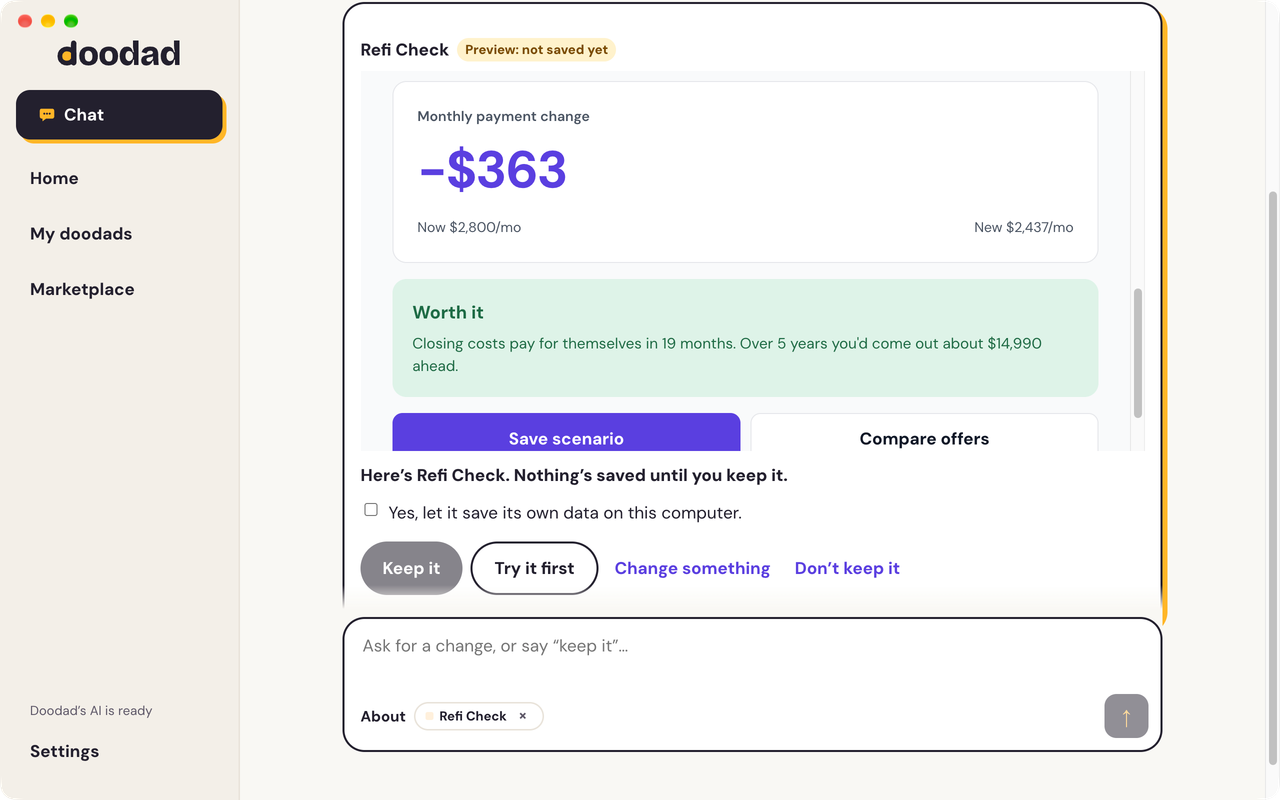
You asked
“Should I refinance? And please don’t make me type my numbers into some random website.”
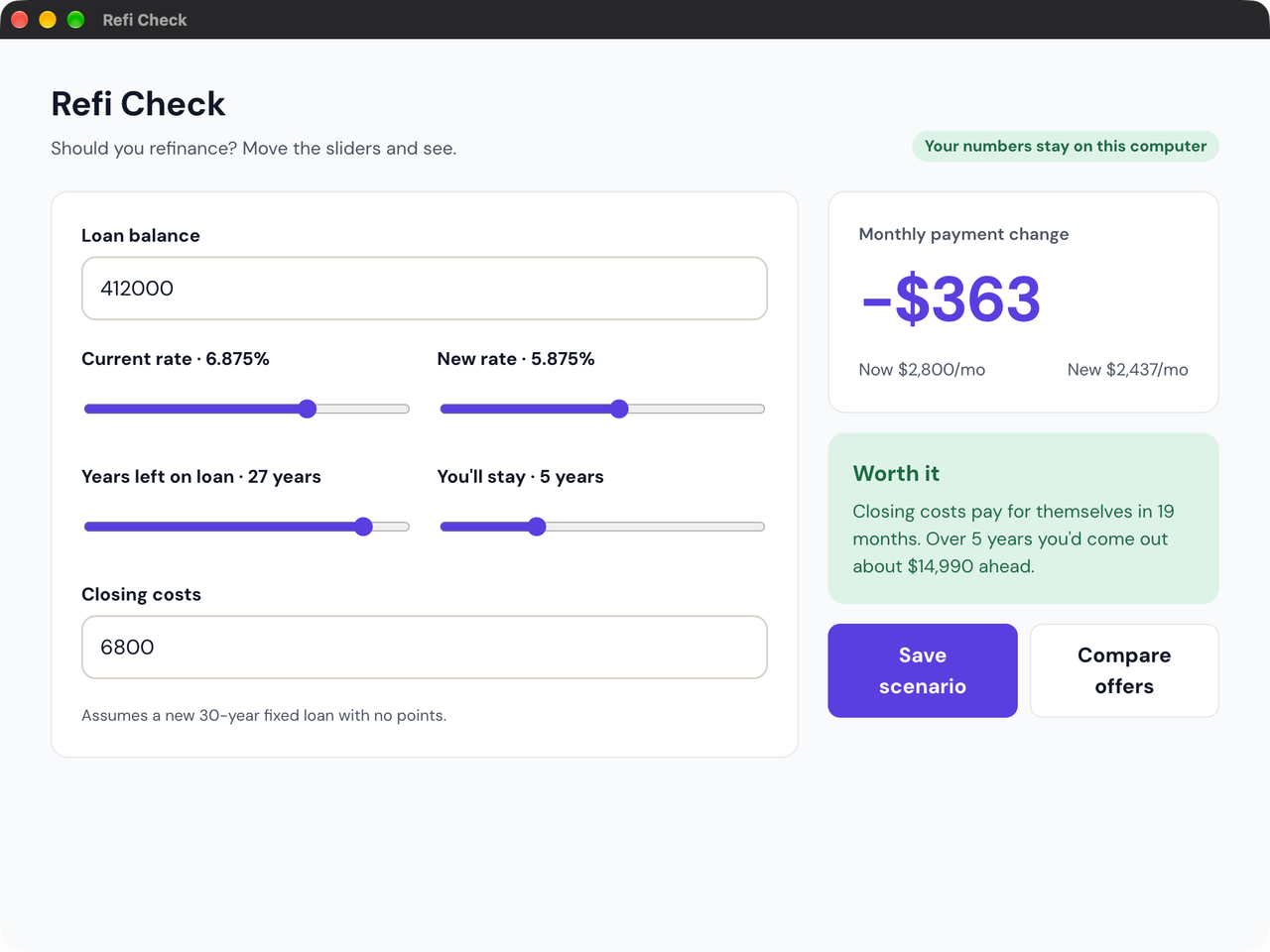
Refi Check
- Your numbers never leave your computer
- Needs no AI to run once it’s made
- Saves scenarios so you can compare offers
Now on Mac · Windows and Linux [STATUS]
Describe what you need and Doodad makes a little app for it, a doodad. Or grab one someone else made and tweak it until it fits. Either way it runs on your computer, keeps your stuff private, and keeps working when you change it.
Doodad for Windows is coming [WHEN]
Doodad for Linux is coming [WHEN]
See how it worksDoodad is a desktop app. Open this page on your computer to download it.
Made to measure
Most apps are built to work for everyone. A doodad is built around you, whether you make it from scratch or start from one someone shared.
You asked
“Should I refinance? And please don’t make me type my numbers into some random website.”
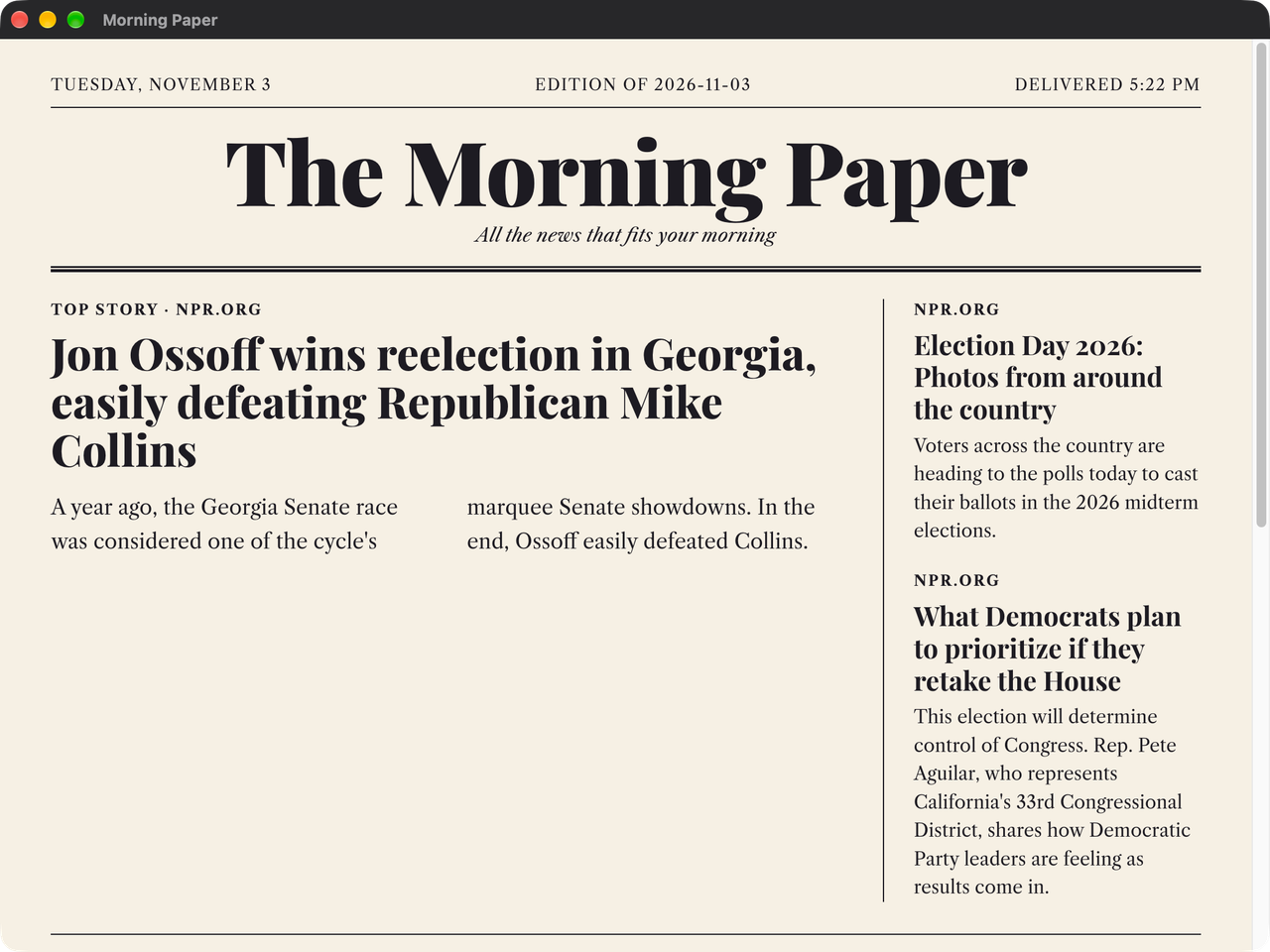
You asked
“A news digest that looks like a 1990s newspaper, waiting for me at 7 AM.”
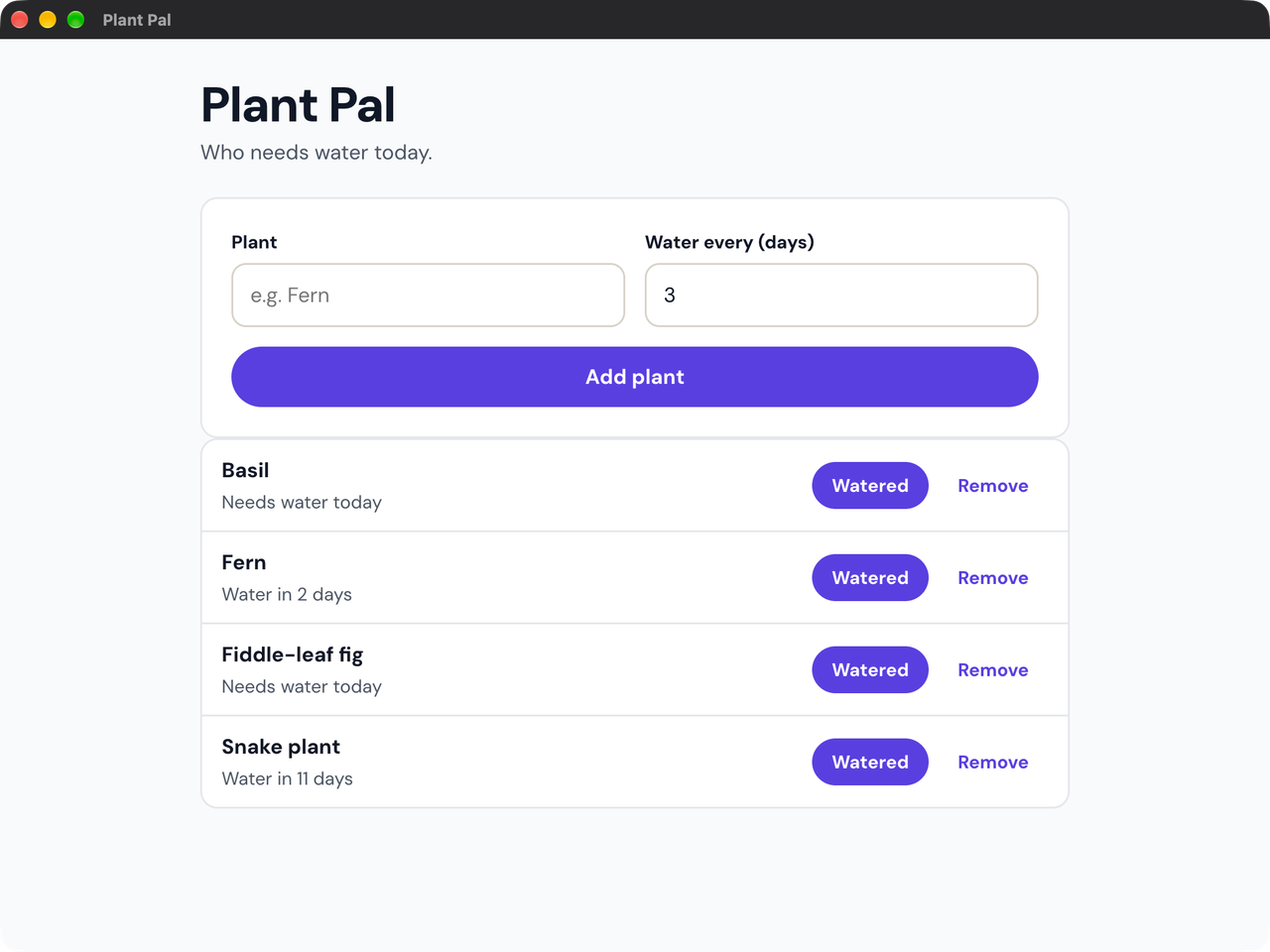
Found in the marketplace, then asked
“Clear out the duplicate photos in this folder, and keep the best one of each.”
As unique as you are
Restyle any doodad from top to bottom just by asking: fonts, colors, layout, the whole feel. Nobody’s has to look like anybody else’s.
You asked
“Make it feel like a slow Sunday morning.”
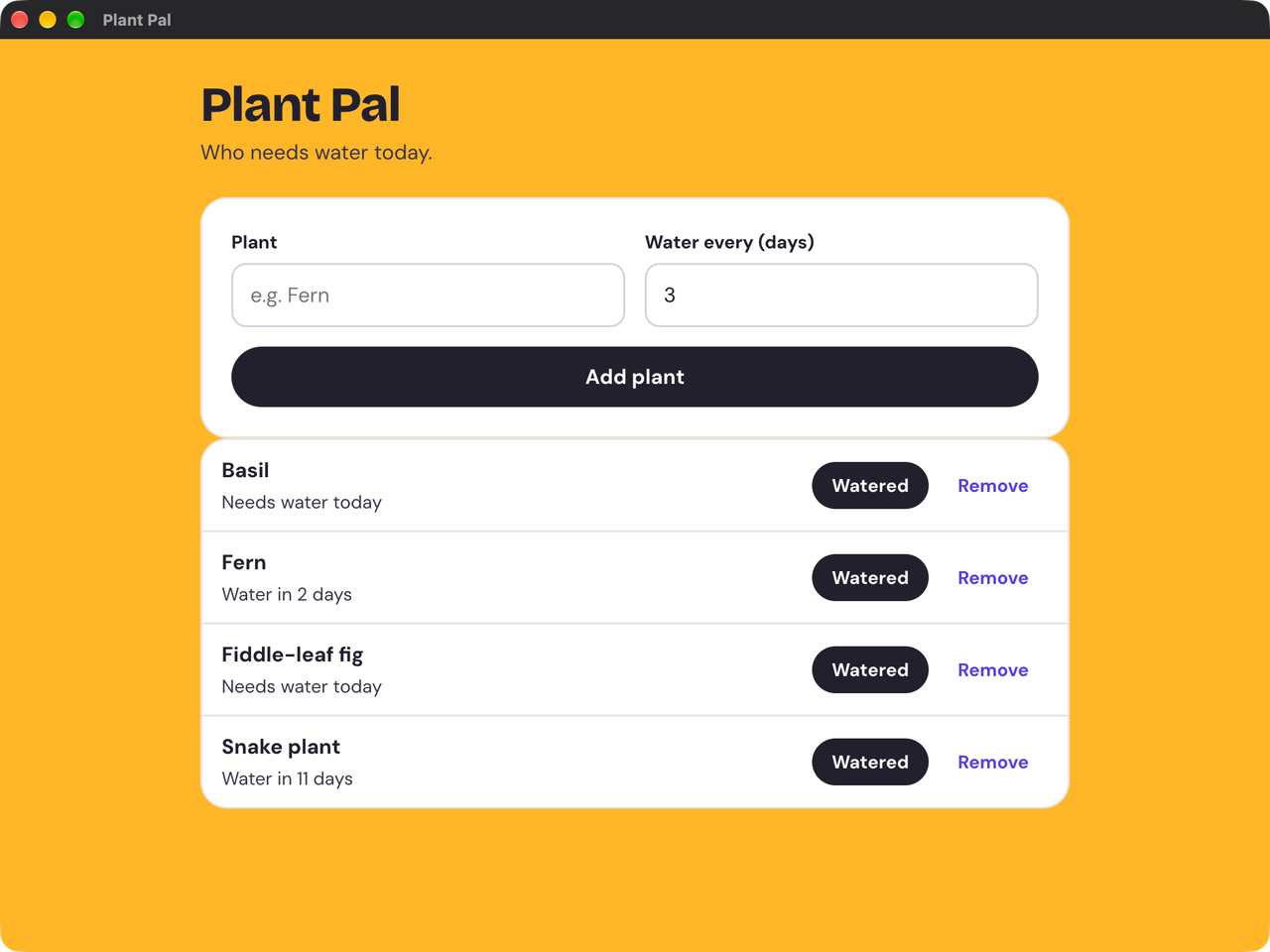
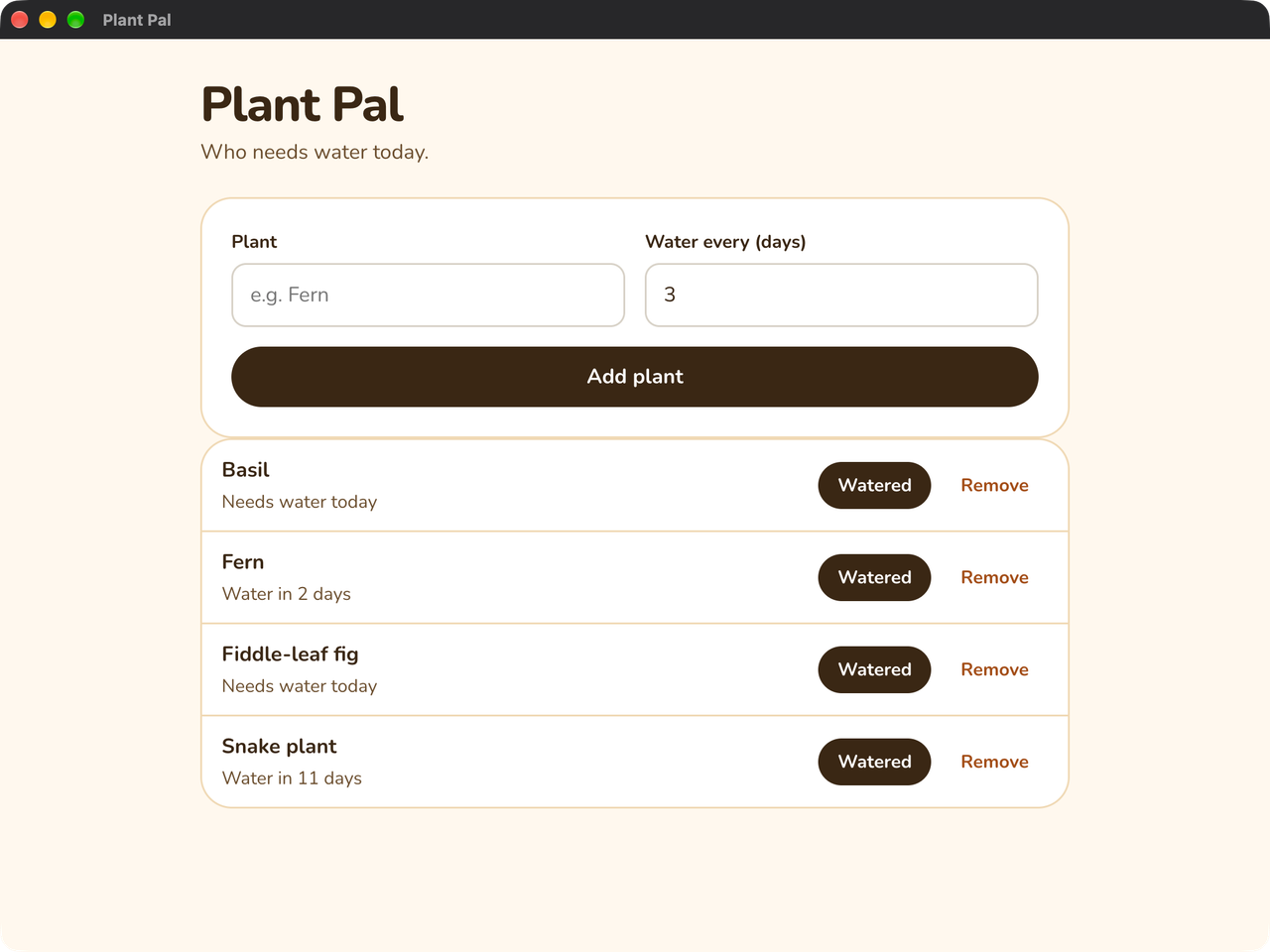
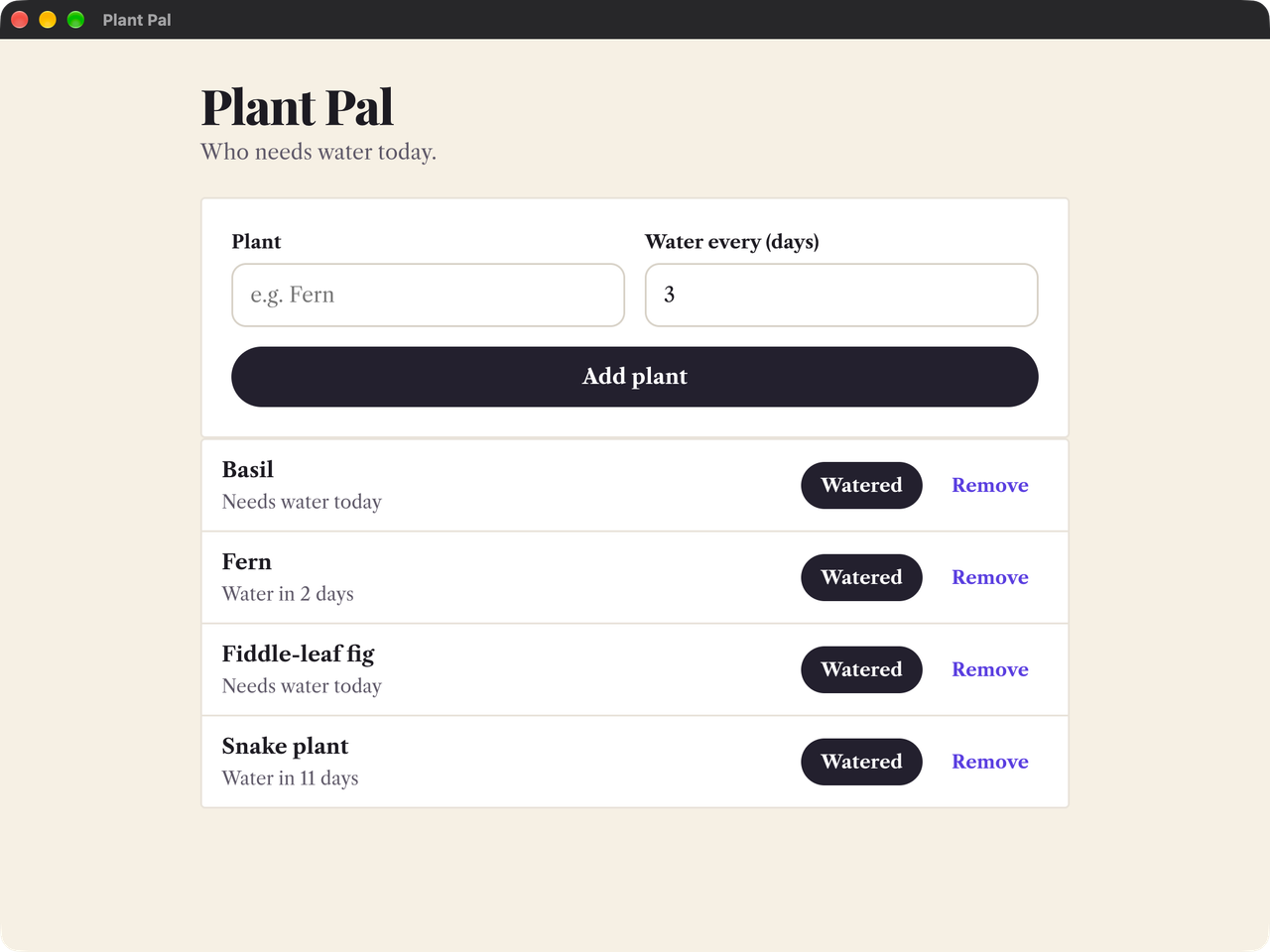
How it works
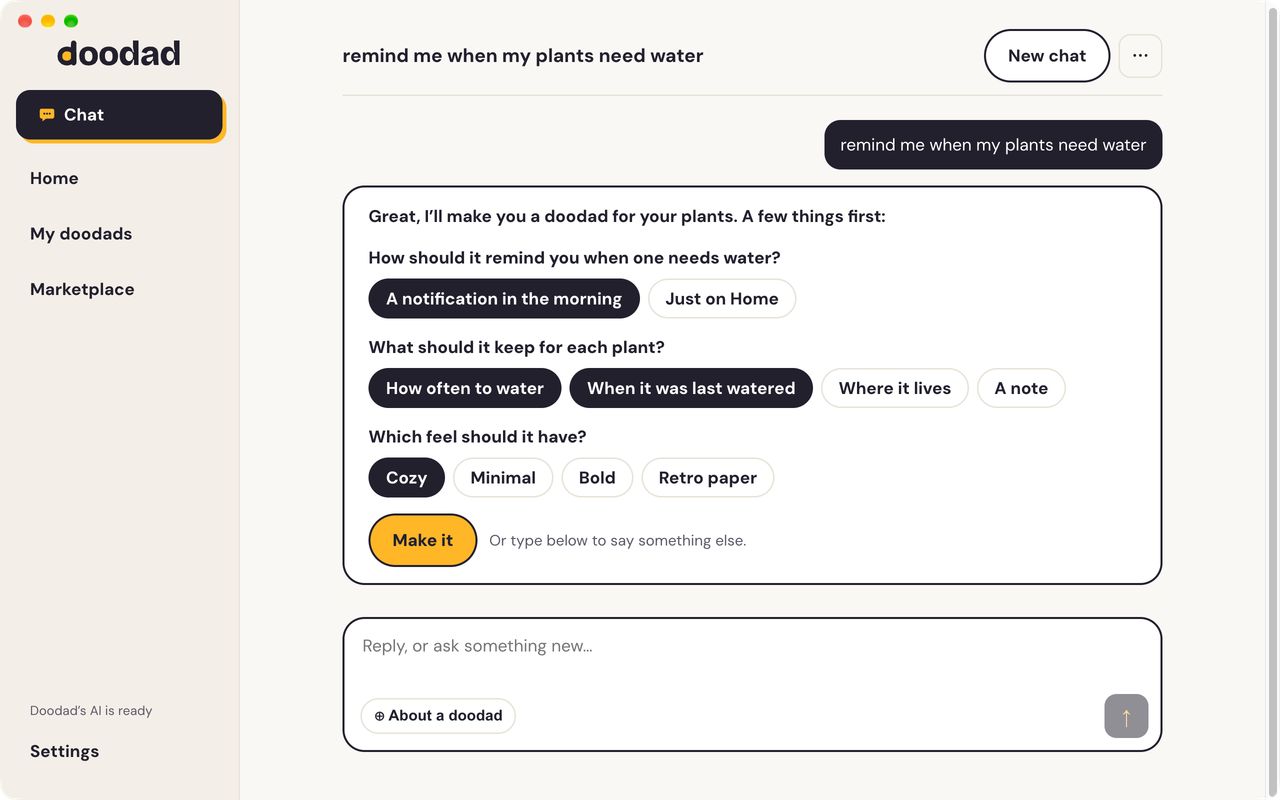
Type it like you’d text a friend. Instead of quizzing you, Doodad shows you a few looks to pick from.
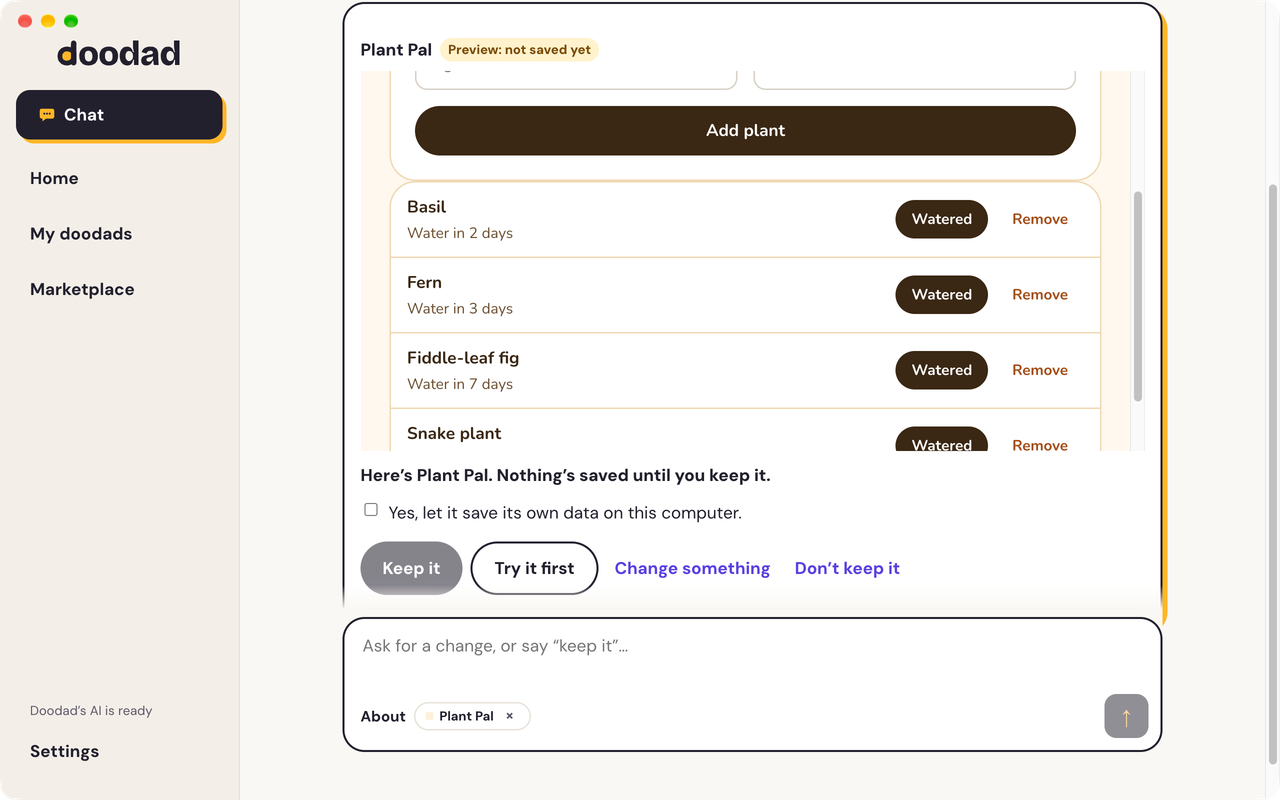
Try it right there with sample data. Like it? It’s saved, and it opens in its own window.
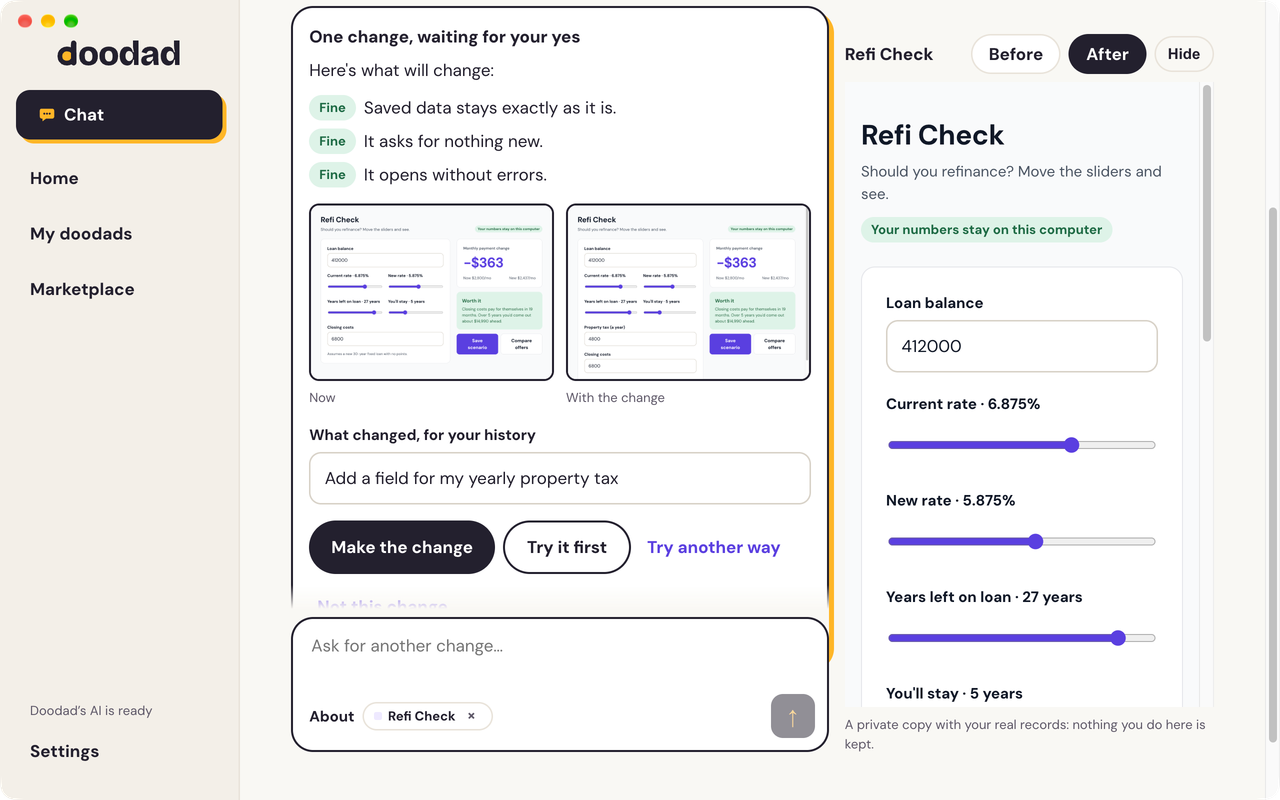
“Add a closing-costs field.” Doodad shows you what will change before it changes anything.
The marketplace
Browse doodads people have made and shared, by what they help with: money, photos, news, home. Every page says in plain words what a doodad can touch, before you install it. Then tweak anything you like; your changes make it your own copy.
Sign in to the marketplace with email, Google, or Apple. When you share a doodad, your data never goes along.
Built to last
Apps made by AI tend to look great on day one and fall apart by the third edit. Doodad guards what matters, your data and the plumbing underneath, and checks every change before it lands.
If a change doesn’t work, your doodad stays exactly how you left it.
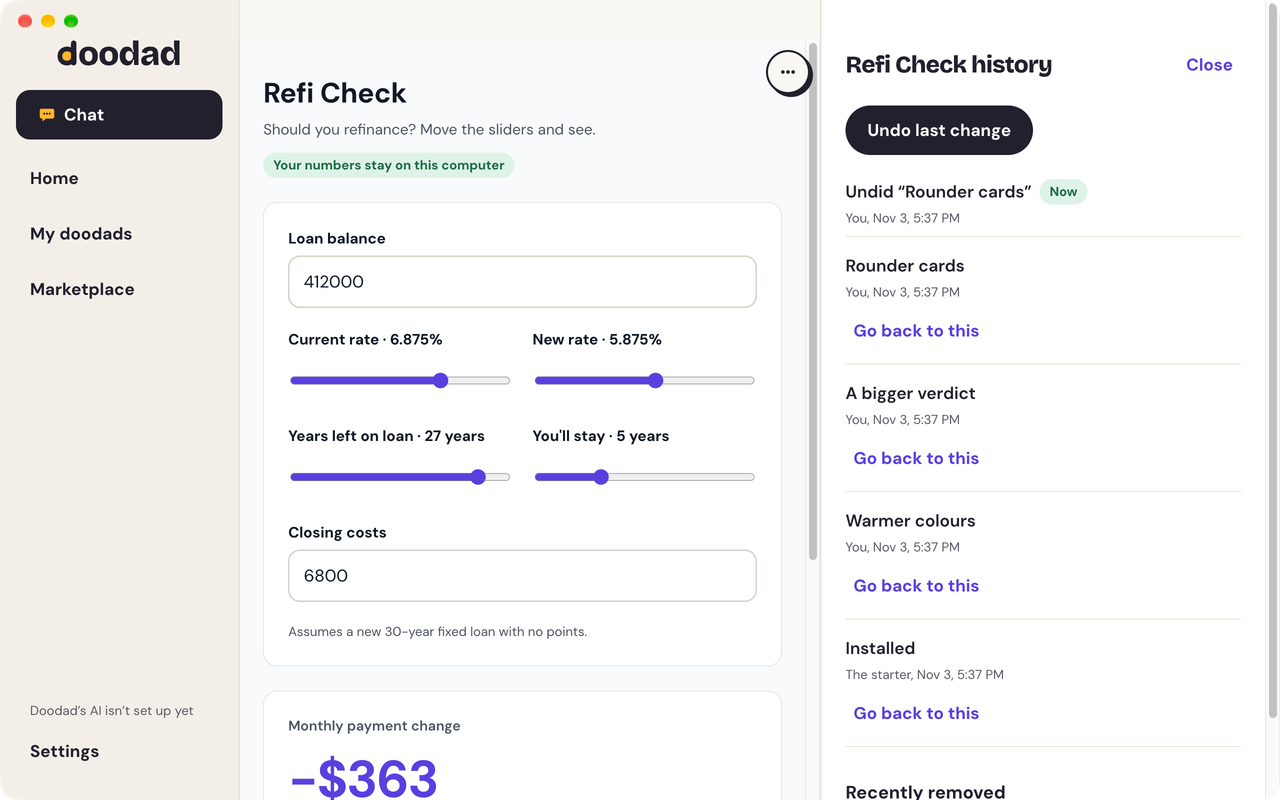
Every version is kept. Go back to any of them. Nothing lost.
When Doodad updates, your doodads and everything in them carry on as before.
Private by design
Doodad’s AI runs right on your computer. It makes your doodads there, and your doodads keep your data there. We never see it.
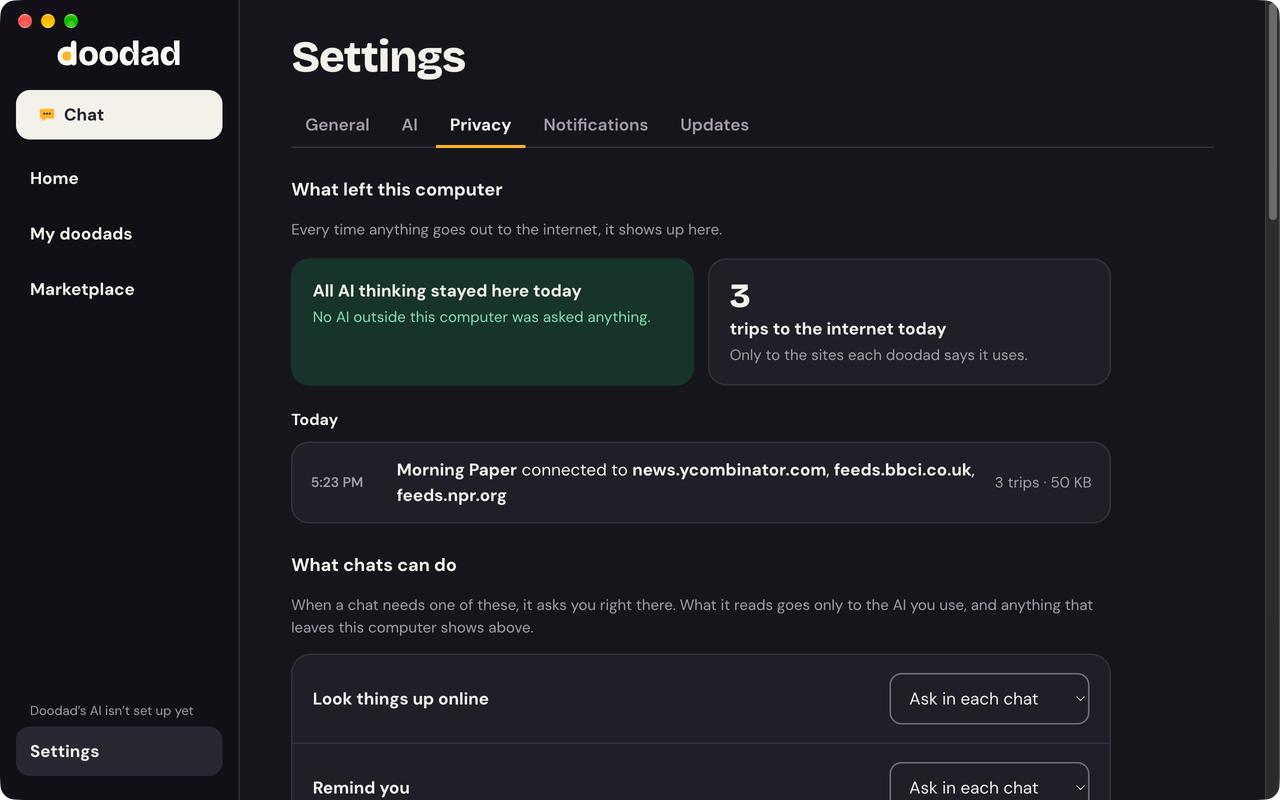
Your doodads live on your computer, not in our cloud. If Doodad’s servers went away tomorrow, every doodad you have would keep working.
Make and use doodads on your computer without signing up first.
On a plane, at the cabin, in a power-flicker kind of week.
A doodad is a single .doodad file. Back it up, send it to a friend, keep it forever.
Something else on your mind? Write to [CONTACT EMAIL].
Doodad is free to download, and you can make and use doodads on your computer without an account. If you connect your own AI account, like Claude or ChatGPT, that account’s usual pricing applies.
For the marketplace: installing, reviewing, and sharing doodads. Sign in with email, Google, or Apple. Everything else works without one.
Not at all. You describe what you want in everyday words. If you’re curious, “Show code” is there, and you can change anything you like.
A small AI that downloads once (about [SIZE] GB) and then runs on your computer, even offline. Doodad picks one that fits your computer and asks before downloading anything.
Doodad’s own AI needs at least 8 GB of memory. On smaller computers your doodads still work, you can install doodads from the marketplace, and you can connect an AI account to make new ones.
Yes. Connect your account for bigger builds, or make doodads right from Claude or Codex. Either way, your doodads run on your computer. [CONFIRM WHICH SHIP AT LAUNCH]
Only what you can see in Settings › Privacy, like update checks and the sites a doodad asked for and you allowed. Your doodads’ data, your files, and your chats stay put. The privacy page has the full list.
[STATUS: WINDOWS AND LINUX TIMING]
[LICENSE ANSWER, ONCE DECIDED]